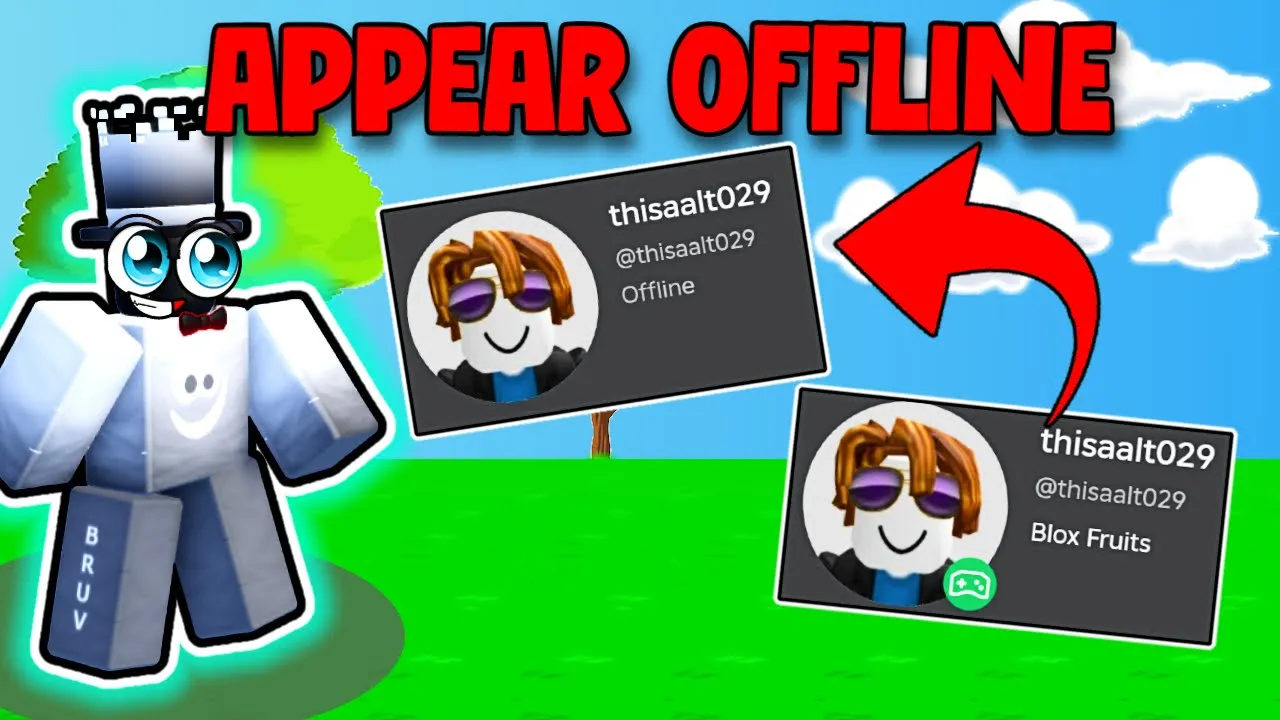
How to Appear Offline on Roblox
Want to play Roblox without friends seeing you online? By tweaking a few Privacy settings, you can appear offline on Roblox and keep your activity hidden. Follow these simple steps to disable messaging, chat, and activity updates so your status always reads “Offline.”

Step-by-Step: Privacy Settings to Appear Offline
- Open Settings: In Roblox, click the gear icon (⚙️) then select Settings.
- Go to Privacy: In the left menu, click Privacy.
- Who can message me? Set to No one.
- Who can chat with me? Set all chat options to No one.
- Who can see my status? Turn Update friends about my activity to Off.
Why It Works
By disabling communication and activity updates, Roblox won’t broadcast your presence to friends or followers. Your profile will always show Offline, giving you privacy while you play.
FAQs
- Will I still receive messages? No—messages are blocked when set to “No one.”
- Can friends see my username? Yes, but they cannot see your online status or activity.
- Does this affect group chat? All chat and messaging options are disabled.