Tag: Grow a Garden

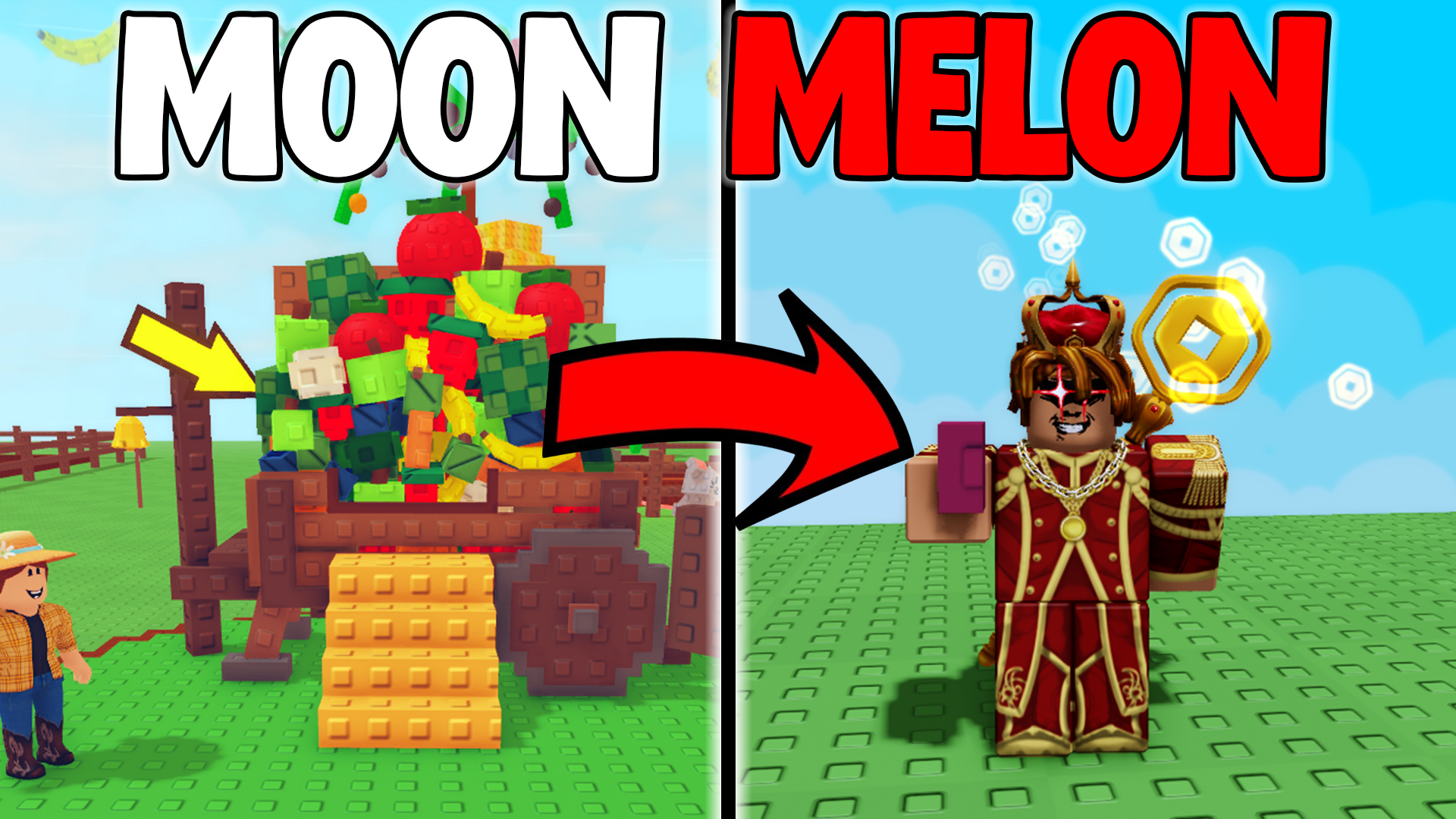
  • Grow a Garden Mooncat Glitch – Double Your Plant Sizes Instantly

    Grow a Garden Mooncat Glitch – Double Your Plant Sizes Instantly


    Grow a Garden Mooncat Glitch – Double Your Plant Sizes Instantly


    Grow a Garden Mooncat Glitch

    Exploit the Mooncat’s sleep passive to double your plant sizes—no alt accounts required!

    If you remember the original Mooncat glitch, you’d use an alt account to trigger the Mooncat’s sleep passive by a plant, instantly boosting its size by up to 2×. Unfortunately that loophole was patched. Today, I’ll show you a new method that doesn’t require any alts and still lets you combine sprinklers, pet mutations, and pet gear for absurdly large plants.

    What You’ll Need

    • At least one Mooncat (mutated gold or rainbow, with pet gear equipped)
    • A full set of sprinklers (Basic, Advanced, Godly and Master)
    • Optional pets: Hedgehog (for spiked plants) or Toucan (for tropical)
    • Your secondary garden slot (to toggle between plots)

    Step-by‑Step Guide

    1. Set your sprinklers & pets
      Place one of each sprinkler around your target plant (e.g. a Spiked Mango).
      Then deploy your Mooncat, plus any other pets (Hedgehog, Toucan) with gold or rainbow mutations and pet gear for extra +30–50% passive boost.
    2. Harvest & switch garden
      Use your harvesting tool (E) to collect the fully grown plant.
      Immediately load your secondary garden slot.
      This tricks Roblox into continuing all background effects (sprinklers, pets) on your original plot.
    3. Wait—then rejoin
      Let your original slot run offline for 30–60 minutes (longer = bigger gains).
      When you rejoin, you’ll see the “Your garden grew while you were offline” message and reap the double‑sized harvest.


    Why This Works

    By toggling between garden save slots you force Roblox to keep all pet and sprinkler effects running on your original plot. The Mooncat’s sleep passive then stacks on top, giving you up to 3× size gains (2× base + pet mutations + gear multipliers).

    Pro Tips

    • Corner placement: Keep your setup in a single corner for faster loading between slots.
    • Minimal background: Clear other plots—fewer assets speeds up reconnection.
    • Longer AFK: The longer you stay offline, the more value you accumulate.
    • Use giveaways: Comment your username for a chance to win a Mooncat in our Discord giveaway!
    Back to Top


  • Sprinkler Glitch in Grow a Garden

    Sprinkler Glitch in Grow a Garden


    Sprinkler Glitch in Grow a Garden – Infinite Watering & Pet Combos | SargantZafron


    Sprinkler Glitch in Grow a Garden

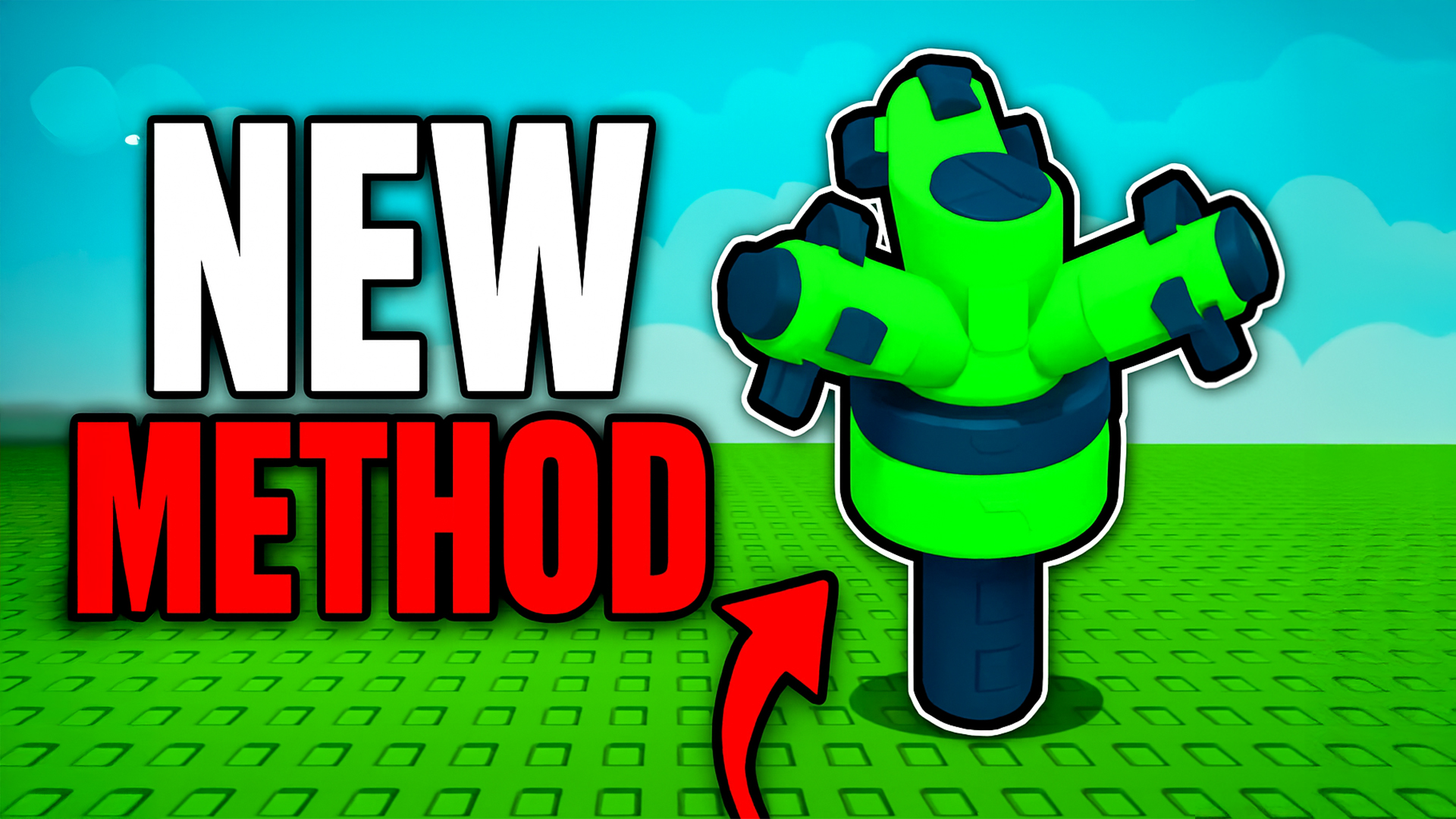
    A brand-new sprinkler glitch in Grow a Garden lets you infinitely water any plant—even after deleting your sprinklers. Combine it with pet boosts like the Toucan and Mooncat glitch for massive, record-breaking harvests!

    🛠️ What You Need

    • One each of Basic, Advanced, Godly & Master sprinklers
    • A test plant (we use an Elephant Ear)
    • A tool (TR) to reposition plants
    • Optional: Toucan pet (see pet guide)
    • Optional: Mooncat pet (moon cat glitch guide)

    ⚙️ Step-by-Step Setup

    1. Plant your test crop (e.g. Elephant Ear) in an open plot.
    2. Place Basic, then Advanced, then Master sprinklers as closely as possible around it.
    3. Use your tool to move the plant slightly out of the way.
    4. Immediately delete ALL three sprinklers.
    5. The watering effect remains active indefinitely—your plant never stops being watered!
    Pro Tip: Because this exploits a bug rather than a core feature, it may be patched—use it while it lasts!

    🦜 Best Pet Combos

    • Toucan Pet: Grants tropical plants within 25 studs a +1.59 size bonus and chance for extra growth.
    • Mooncat Glitch: Leave sprinklers on, reload, then let several Mooncats nap on the patch—when you rejoin, plants boost to giant sizes.

    💰 Maximize Your Profits

    • Combine the infinite watering glitch with high-value one-time harvests like Event Lilies.
    • Use a group of Toucan-boosted tropicals for continuous size gains.
    • Trigger Mooncat naps every session restart for exponential growth!

    🎁 Giveaway

    I’m also giving away premium seed packs AND a Raccoon pet! To enter:

    1. Like this page
    2. Comment your Roblox username below
    3. Join our Discord server

    ← Back to BlogHome


  • Roblox Tutorials Blog – SargantZafron

    Roblox Tutorials Blog – SargantZafron


    Roblox Tutorials Blog – SargantZafron


    All Roblox Tutorials

    Roblox tutorial: UGPhone Cloud Gaming Guide

    UGPhone Cloud Gaming Guide

    Complete guide to cloud gaming with UGPhone – play mobile games without high-end hardware!

    Read More

    Roblox tutorial: How to Macro in Fisch

    How to Macro in Fisch

    Step-by-step guides on macro automation for the Roblox game Fisch using safe and efficient methods.

    Read More

    Roblox tutorial: How to AFK Grind Bones in Blox Fruits

    How to AFK Grind Bones in Blox Fruits

    Use macros and basic setups to AFK farm Bones efficiently in the Roblox game Blox Fruits.

    Read More

    Roblox tutorial: New Gem Method in Arise Crossover

    New Gem Method in Arise Crossover

    The most efficient gem farming method currently available in Arise Crossover.

    Read More

    Roblox tutorial: How to Join Old Servers in Grow a Garden

    How to Join Old Servers in Grow a Garden

    Discover restocked seed shops and less competition by hopping into older Grow a Garden servers.

    Read More

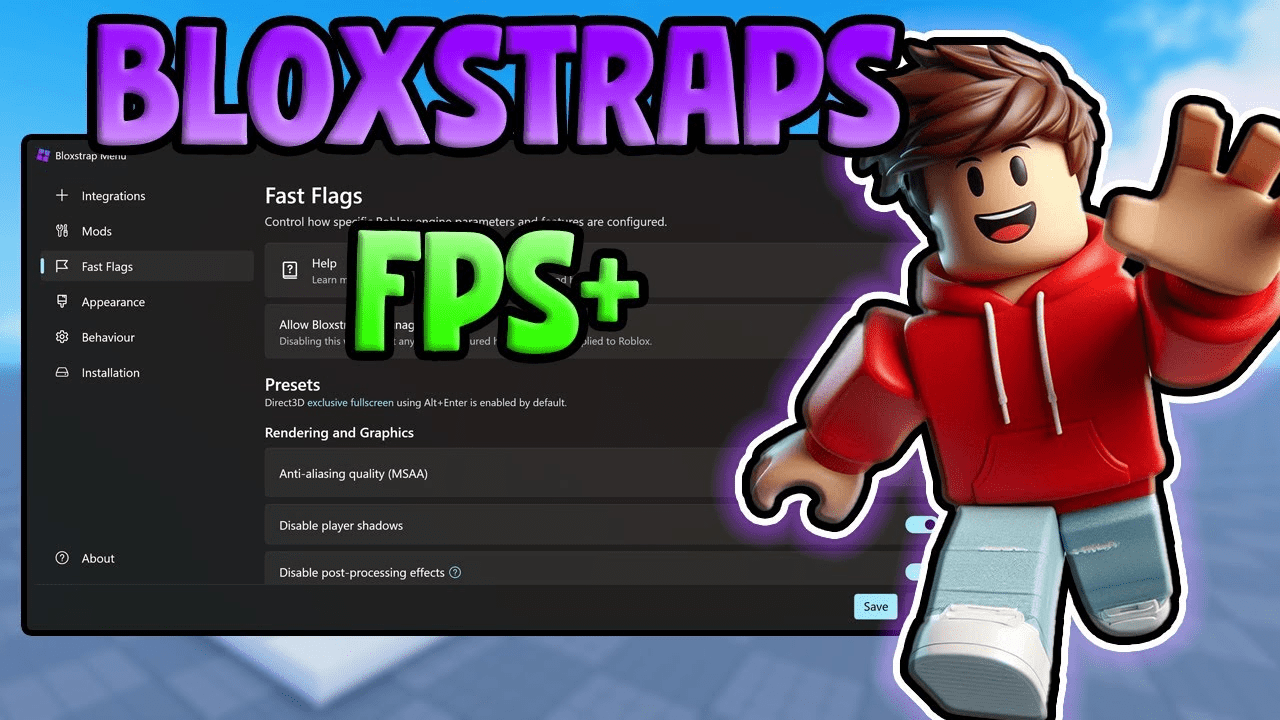
    Roblox tutorial: Best Bloxstrap Fast Flags Settings

    Best Bloxstrap Fast Flags Settings

    Optimize your Roblox performance with the top Bloxstrap fast flag configurations for smoother gameplay.

    Read More

    Roblox tutorial: How to Get Dark Textures in Rivals on Roblox

    How to Get Dark Textures in Rivals on Roblox

    Customize Rivals with dark textures using Bloxstrap for a sleek, low-eye-strain gaming experience.

    Read More

    Roblox tutorial: Error 500 on Roblox – How to Fix

    Error 500 on Roblox: How to Fix

    Troubleshoot the Internal Server Error 500 on Roblox with cache clears, DNS flushes, and browser tweaks.

    Read More

    Roblox tutorial: How to Make a Loading Screen in Roblox Studio

    How to Make a Loading Screen in Roblox Studio

    Learn how to create a custom loading screen GUI in Roblox Studio with just a Frame, TextLabel, and script.

    Read More

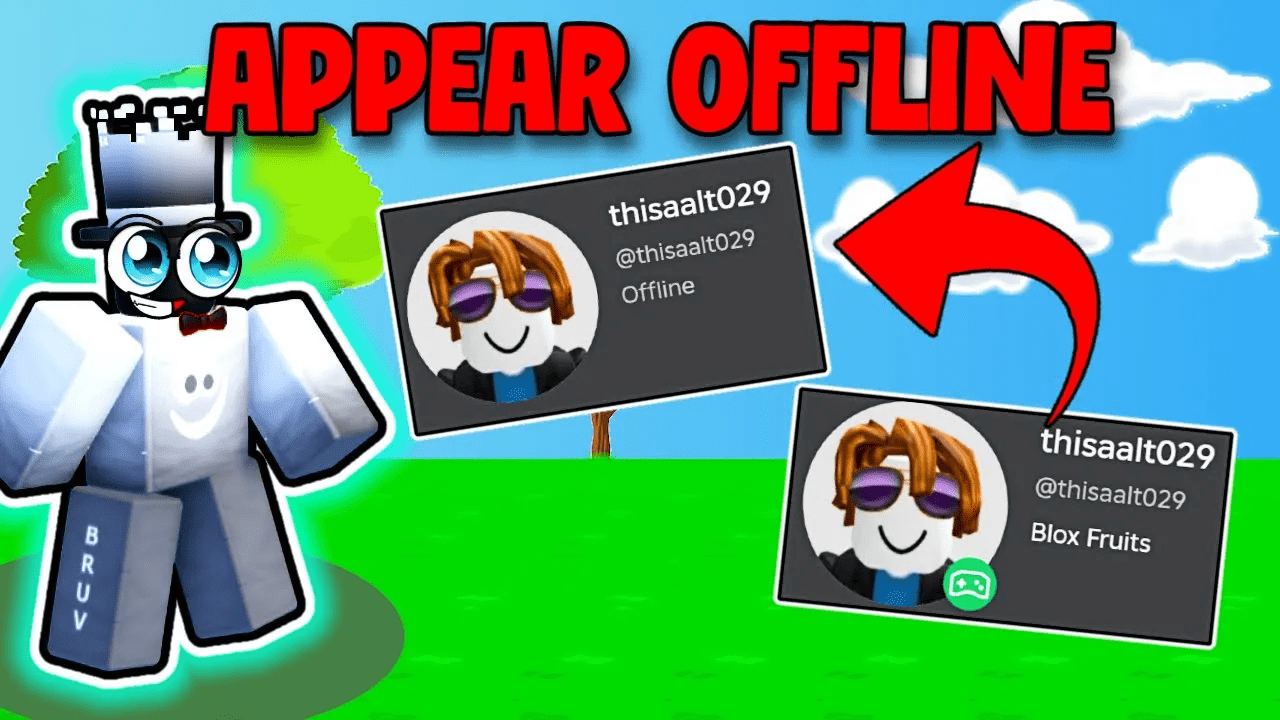
    Roblox tutorial: How to Appear Offline on Roblox

    How to Appear Offline on Roblox

    Hide your online status by adjusting your Roblox privacy settings so you always appear offline.

    Read More