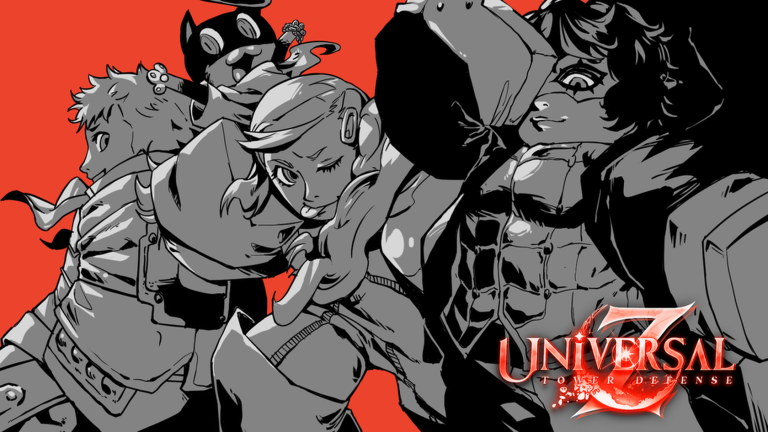
Universal Tower Defense Z is a Roblox game created by Universal Tower Defense where you summon units to defend against waves of enemies. Your goal is to survive increasingly difficult waves by strategically placing and upgrading your units. You can play solo or team up with friends to tackle challenging game modes together.
In this guide, we'll walk you through your first 10 minutes and show you how the core loop works.
Starting Your First Game
Step 1: Launch and select a mode
When you start, you'll see different game modes available. Pick one and load into your map. You'll spawn in a defensive area where enemies will approach.
Step 2: Summon your first unit
Look for your unit summon menu — this is usually displayed on screen. Select a unit to place it on the map. Your units will automatically attack enemies that get close, so position them where enemies will travel.
Step 3: Survive the first wave
Enemies will begin spawning in waves. Your units attack automatically. Watch the wave counter to see when the next group arrives. If enemies reach your base, you'll lose health. Survive all waves in a round to win and earn rewards.
The Core Game Loop
Each game follows the same cycle:
- Prepare: Place units on the map before a wave starts.
- Defend: Let your units fight off enemies automatically. Place additional units mid-wave if you have resources.
- Collect rewards: Earn currency when you defeat enemies and complete waves.
- Upgrade: Use earned currency to level up, evolve, or enhance your units for the next wave.
- Repeat: Defend the next wave with a stronger army.
How Units Work
Summoning units
You summon units from your menu using in-game currency. Different units have different costs, attack patterns, and stats. Stronger units cost more but deal more damage and have higher health.
Unit attacks
Units automatically attack enemies that come in range. You don't need to manually aim or click — just place them strategically and they'll handle the fighting.
Leveling, Etherealizing, and Evolving
The game has three ways to make your units stronger:
Leveling up
Spend currency to increase a unit's level. Higher levels increase its attack power and health. This is your primary way to strengthen units between waves.
Etherealizing
This is a special enhancement that boosts your unit's stats further. Use currency to Etherealize units and unlock additional power.
Evolving
Evolve units to transform them into more powerful versions. Evolved units have better stats and new abilities. This is the highest tier of upgrade and requires significant resources.
Playing With Friends
Universal Tower Defense Z supports multiplayer. You can invite friends or join others in the same game mode. When playing together, you share the same map and defend against waves as a team. Coordinate your unit placements and upgrades to handle harder enemy waves.
Common Beginner Mistakes
Summoning too many weak units early
It's tempting to fill the map with cheap units. Instead, save currency to upgrade fewer, stronger units. They deal more damage and survive longer.
Ignoring upgrades
Don't just summon the same units every wave. Leveling existing units is often more efficient than summoning new ones. Prioritize upgrades to stay ahead of enemy difficulty.
Poor unit placement
Placing units randomly wastes their range and firepower. Think about enemy paths and cluster units to create defensive choke points.
Not playing with friends
The game is designed for teamwork. Multiplayer games are more fun and often easier because you have more combined firepower. Team up when you can.
What to Do Next
Once you've completed a few games, experiment with different unit combinations. Try placing them in different areas. See which units you like playing with most. As you progress, you'll unlock better units and face harder waves—keep leveling and evolving to stay competitive.