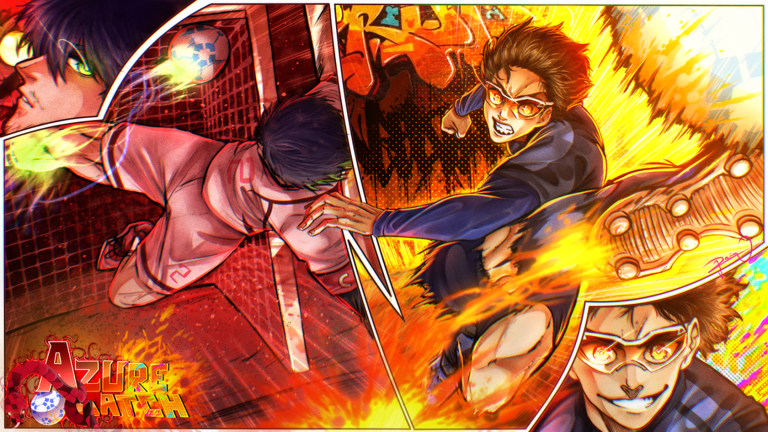
Azure Latch is a player-made soccer game created by Blue Lock fans. It brings the anime's competitive spirit to Roblox with fast-paced football action. Whether you're new to Roblox sports games or just stepping onto the pitch for the first time, this guide walks you through the first few minutes and core gameplay.
What Is Azure Latch?
Azure Latch is an unofficial fan game celebrating the Blue Lock anime. You play soccer matches against other players or AI. The game focuses on shooting, passing, dribbling, and tactical positioning — just like real soccer, but with anime-inspired intensity.
Launching and Joining Your First Match
Start the game and you'll land in a lobby. Look for a button to join a match or create a server. Most new players are placed in beginner-friendly matches. Wait for enough players to join, then the match starts. You'll spawn on the field with your team assigned.
Core Controls
The controls are straightforward. Here's what each key does:
- M1 — Shoot the ball toward the goal
- E — Dribble when you have the ball (moves the ball close to your character)
- Q — Tackle opponents, dash left/right to evade, or dive if you're the goalkeeper
- 1, 2, 3, 4, 5 — Activate special skills (each has a cooldown)
- R — Whistle (used by referees or in specific match modes)
The First 30 Seconds
When the match begins:
- Find your position. If you spawn far from the ball, run toward the action using WASD.
- Watch who has the ball. Your team will pass it around to work toward the opponent's goal.
- If the ball comes to you, decide: dribble forward with E, pass to a teammate, or shoot with M1 if you have a clear angle.
- Defend when the other team attacks. Use Q to tackle incoming attackers.
Shooting and Scoring
Scoring is the main objective. When you have the ball and see the opponent's goal, press M1 to shoot. The ball travels in the direction you're facing. Closer shots are more reliable than long-range attempts. Your team gets a point for every goal.
Dribbling and Movement
Dribbling keeps the ball glued to your character so you can move without losing it. Press E while holding the ball to dribble. This lets you run past opponents or set up a better shooting angle. However, dribbling makes you slower — use it when you have space or need to dodge a defender.
Skills and Special Moves
Each player has five special skills mapped to keys 1, 2, 3, 4, and 5. These might include speed boosts, curve shots, or defensive abilities — think of them as your character's unique anime-style moves. Each skill takes time to recharge after use. Experiment with them early to learn what each one does.
Defending and Tackling
When opponents have the ball, use Q to tackle them and steal it. You can also dash left or right with Q to dodge incoming shots. If you're playing as the goalkeeper, Q lets you dive to block shots near the goal.
Goalkeeper Role
One player on each team is the goalkeeper. This role has different responsibilities — you stand at the goal and defend instead of running upfield. Use Q to dive and block shots. Your teammates push forward to attack while you protect.
Common Beginner Mistakes
- Ignoring teammates: This is a team game. Pass when a teammate is open instead of always going solo.
- Overusing dribble: Dribbling is slower than passing. Save it for critical moments.
- Running out of position: Stay near your assigned area to cover defense and support attacks.
- Wasting skills: Don't use all your special moves at once. Save them for important moments or when cooldowns are ready.
- Poor timing on tackles: Anticipate where the opponent will be, not where they are now.
Match End and Rewards
A match ends when time runs out or one team reaches the goal limit. The winning team earns rewards (currency, items, or experience depending on the game's progression system). Use these to level up your character or unlock new skills.